

Audio Interfaces & Software
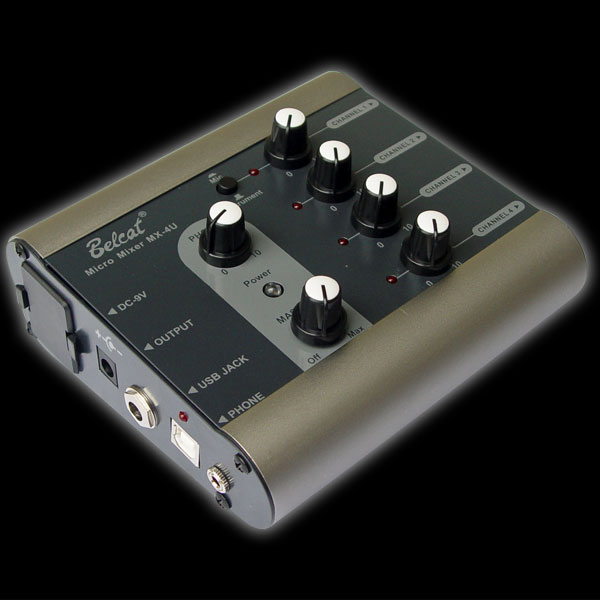
Belcat MX4U - 4 Kanal Mikro Mikser / Audio Interface
₺8.025,03

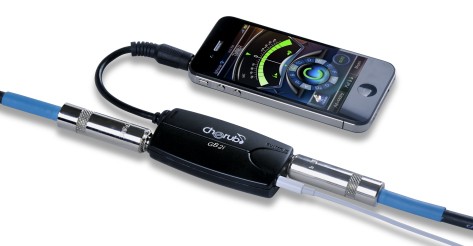
The audio interface is a recording interface that converts the sound from the microphone or instrument into the format the computer can process and allows listening outputs. Different links may be required for vocal recording, guitar work, or content production in the home studio. Start the selection by determining how many resources you will save at the same time. In addition to the number of inputs, examine the connections that support the microphone, line, and instrument levels separately.
Proper instrument input for the guitar, preamp for the microphone, and proper phantom power support should be checked if needed. Phantom power is not required for every resource; it is based on the instructions of the connected device. The number of earphone and speaker outputs affects the working order. The operating system, connection port, and driver support of the manufacturer should be evaluated together. License time, version and activation conditions in package software may vary on a product basis.
Late hearing the sound you play during the recording can make the performance difficult. The delay depends not only on the audio interface, but also on the driver and software settings. Systems with direct monitoring can help listen to the input signal without circling it over a computer. However, the software effects and signal routing you will hear are associated with the installation. Listening to the same sound together in two ways can lead to an unwanted pair of sensations; check the tracking pattern in the device manual.
Oh, no. Some entries are for line or instrument only. Confirm the number of microphone preamps and connection types you can use at the same time. The total entry figure does not show that you support the two sources you want to save by yourself.
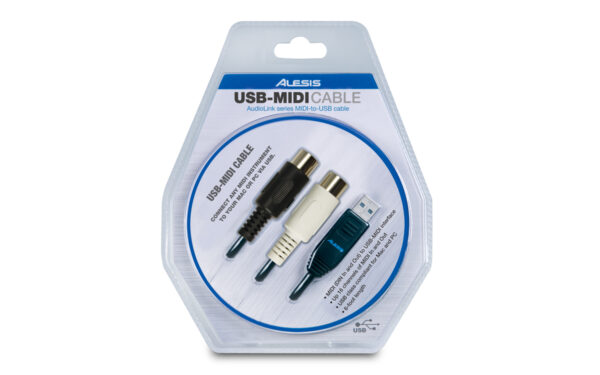
Oh, no. Only MIDI data or products that receive power over USB are also available. The audio input output function, operating system support, and compatibility with the recording software should be clearly stated. The format of the port alone does not prove these functions.